 Matt Transcriber
Not just WhatsApp voice notes: the meeting recording you need to review, the lecture to study from, the voice memo recorded in the car, the interview to write up. On iPhone you can turn any audio file into text — offline if you want, and without paying per-minute transcription fees.
Transcribe an audio file in 4 steps
- Open Matt on your iPhone;
- Tap Import file and pick the audio or video (from Files, voice memos or other apps);
- Matt transcribes it, detecting language and speakers automatically (or on-device, even offline, in on-device mode);
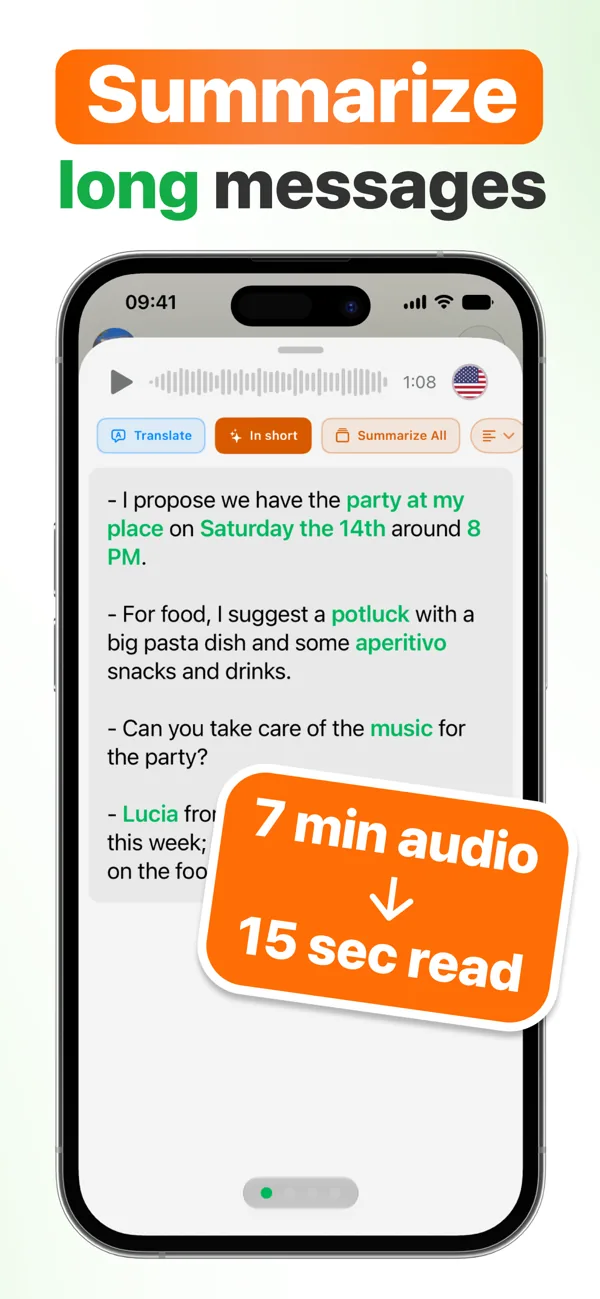
- Read, copy, save — or tap Summary for the key points.
Alternatively, share the audio with Matt straight from any app's Share menu, exactly like a WhatsApp voice note.
Typical use cases
- Meetings: record (with participants' consent), import, and get minutes + summary with 3 detail levels;
- Lectures and talks: transcribe hours of audio and search the text by keyword;
- Voice memos: ideas recorded on the go become written, searchable notes;
- Video: import video files too, Matt extracts the audio and transcribes it;
- Documents: import .txt and .pdf files too, to summarize or translate them.
Stop typing out recordings
Download Matt and transcribe your first audio file. ★ 4.9 on the App Store.
Download on the App StoreFrequently asked questions
Which formats can I import?
The most common audio formats (recordings, memos, audio exported from other apps) and video files too, from which Matt extracts the audio, plus .txt and .pdf documents for summary or translation.
How long can the audio be?
Matt is built for long audio like meetings and lectures: it recognizes who is speaking and the AI summary condenses it all into key points.